01 / VIDEO
Video Maker
Describe a scene and turn your idea into video.
 Higvid.
Get the app
Higvid.
Get the app
Inside Higvid
Transform a photo, shape the movement, or find a style to start with. See what you can make with Higvid.
01 / CREATE THE UNEXPECTED
Start with a photo and take it somewhere new. See the starting point alongside your result, then keep trying new ideas until it feels like you.
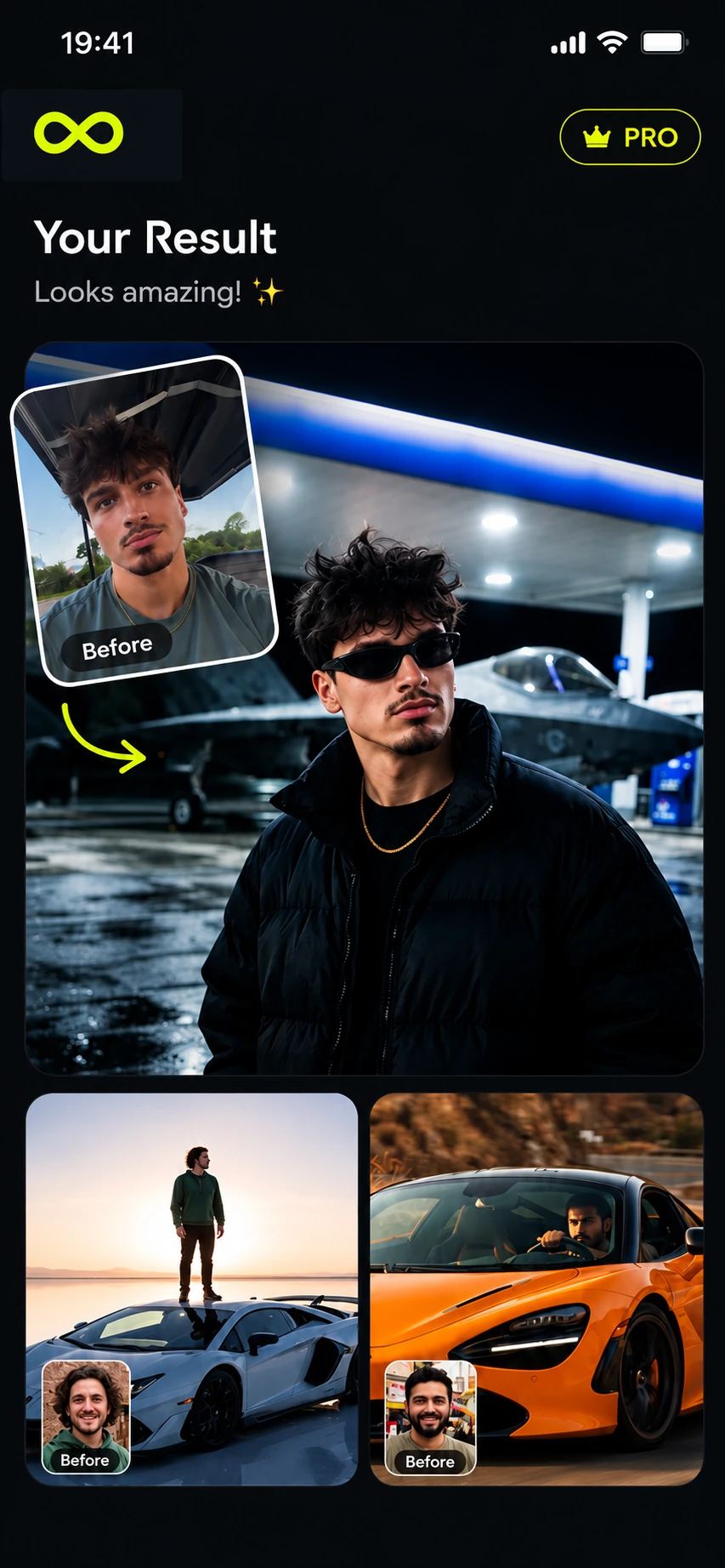 01 / TRANSFORM
02 / DIRECT EVERY MOVE
Give your scene direction with Motion Control. Pick an action such as sit, stand, turn, walk, or raise an arm to guide the movement.
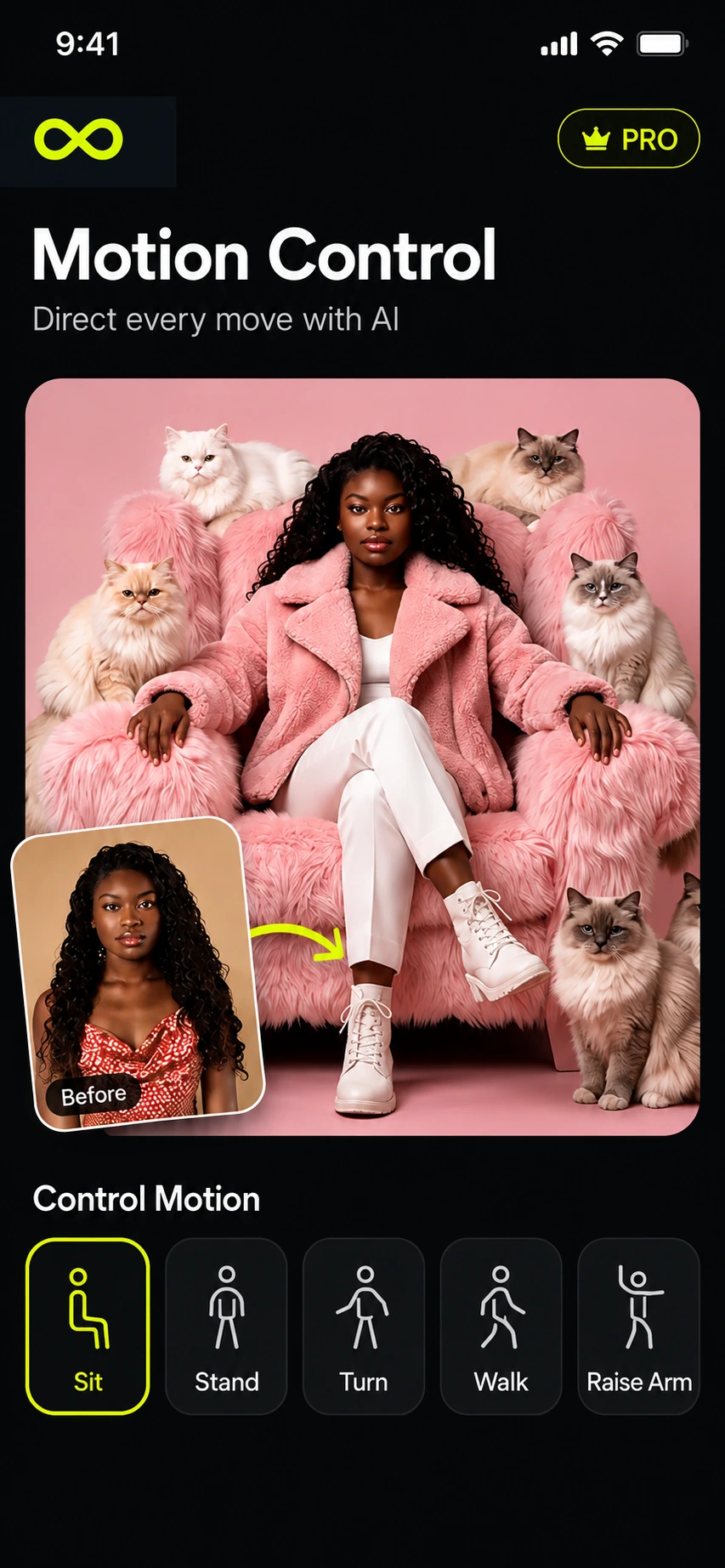 02 / ANIMATE
03 / FIND YOUR STARTING POINT
Find a style that speaks to you. Browse creative templates, explore categories, and let a fresh starting point take your next creation further.
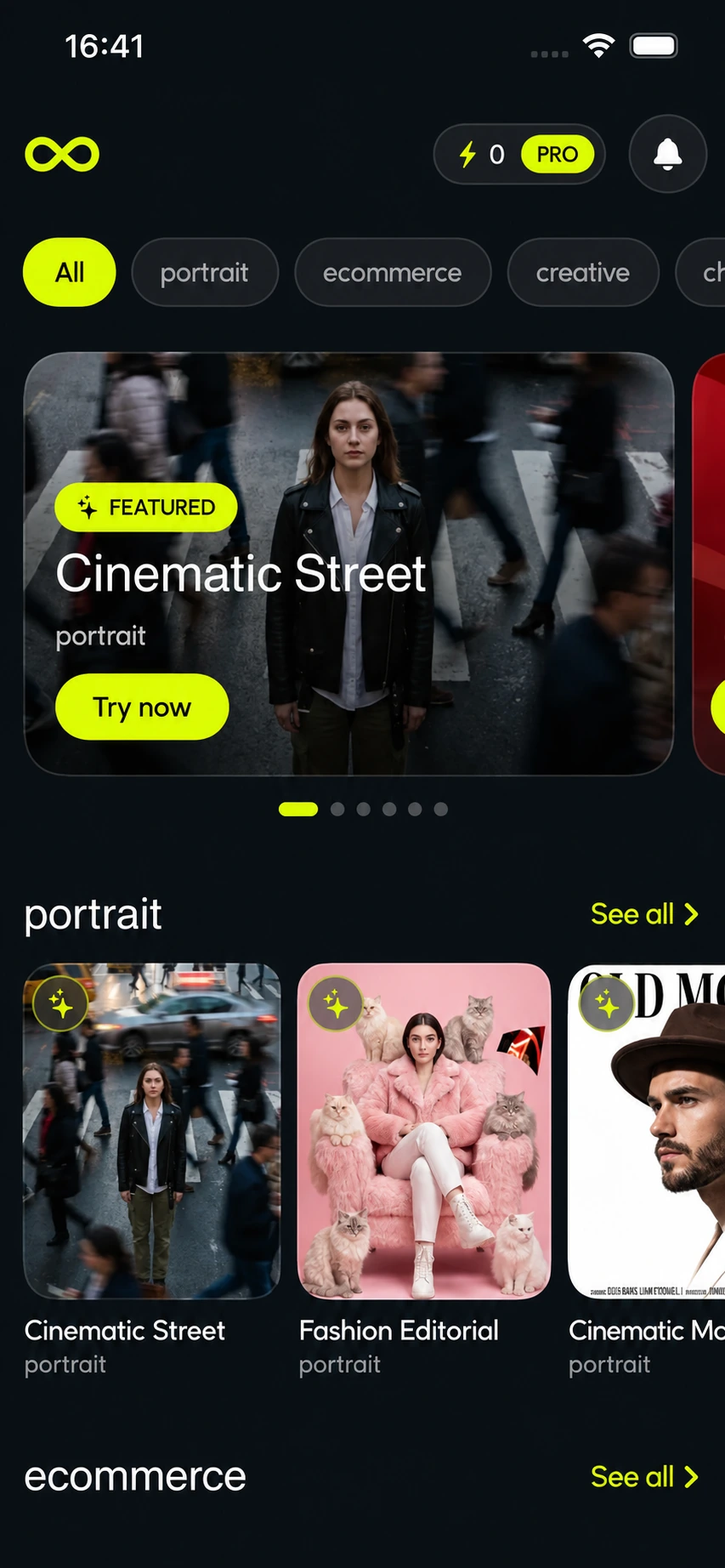 03 / EXPLORE
More in your studio
Whether you begin with words, a photo, or a clip, Higvid gives you room to create.
Describe a scene and turn your idea into video.
Start with a clip and create a new take.
Describe a visual or add a reference image.
Your ideas belong here
Take Higvid with you and start exploring.